01. Defining Problem
So much of our lives have been disrupted. For the fortunate ones of us that have our job and can be at home, we have new challenges of balancing work, kids, life all in close quarters – all while having fear of staying healthy and for loved ones.
02. Exploring Solution
Create a program we can run every week for people to learn and disengage.
COA (Community Online Academy) is a virtual full day of 100+ FREE courses for kids and adults, focused on fitness, learning, and fun – taught by the highest quality teachers, instructors, speakers, from our community. Attendees can dial into as many (or as few) sessions as they like – full-day participation is not required. If you miss a live session, you can watch the class later, in the on-demand video library.
03. Design Process
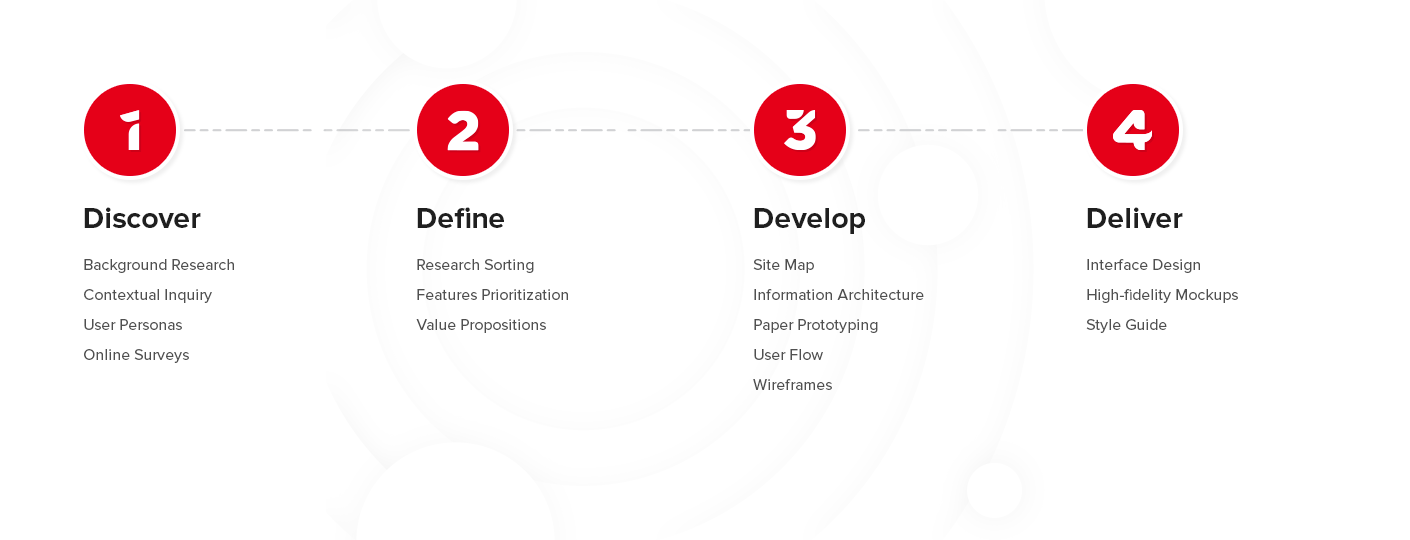
Team Setup
Designers
Engineers
Project Managers
Instructors
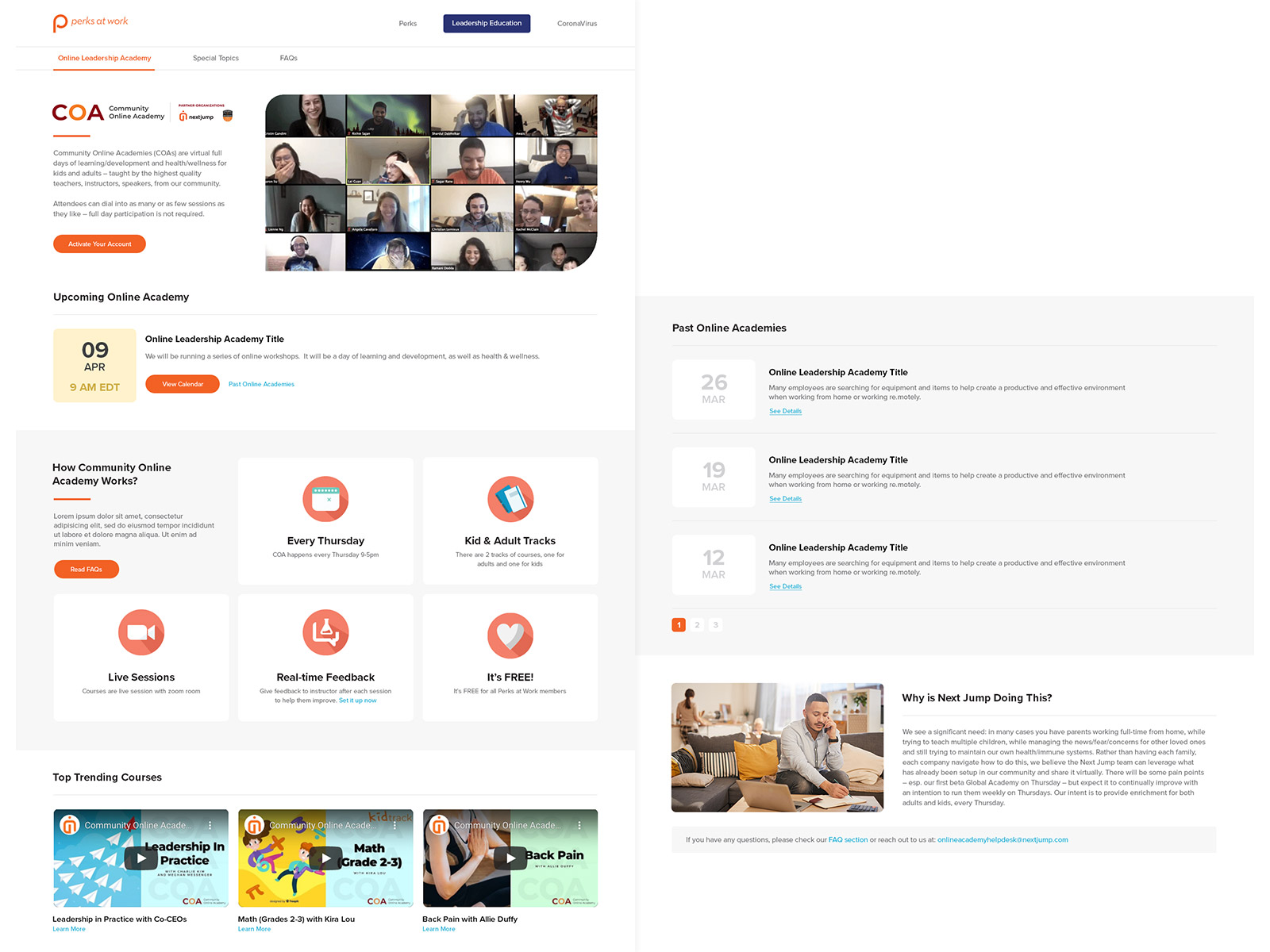
Landing Page
The first step was to create an educational page, introducing the program to our users. Sketched the fundamentals needed for the program and gradually move towards more detailed pages. This page was also important for the HRs – to communicate with their organizations, hence the message and content were very important when designing the interface.
Met with Account Managers, as well as teachers who were going to run the classes to determine the best course of action and develop the user experience accordingly. The program is continuously evolving as we learn new data from users’ behavior and iterate based on the data.
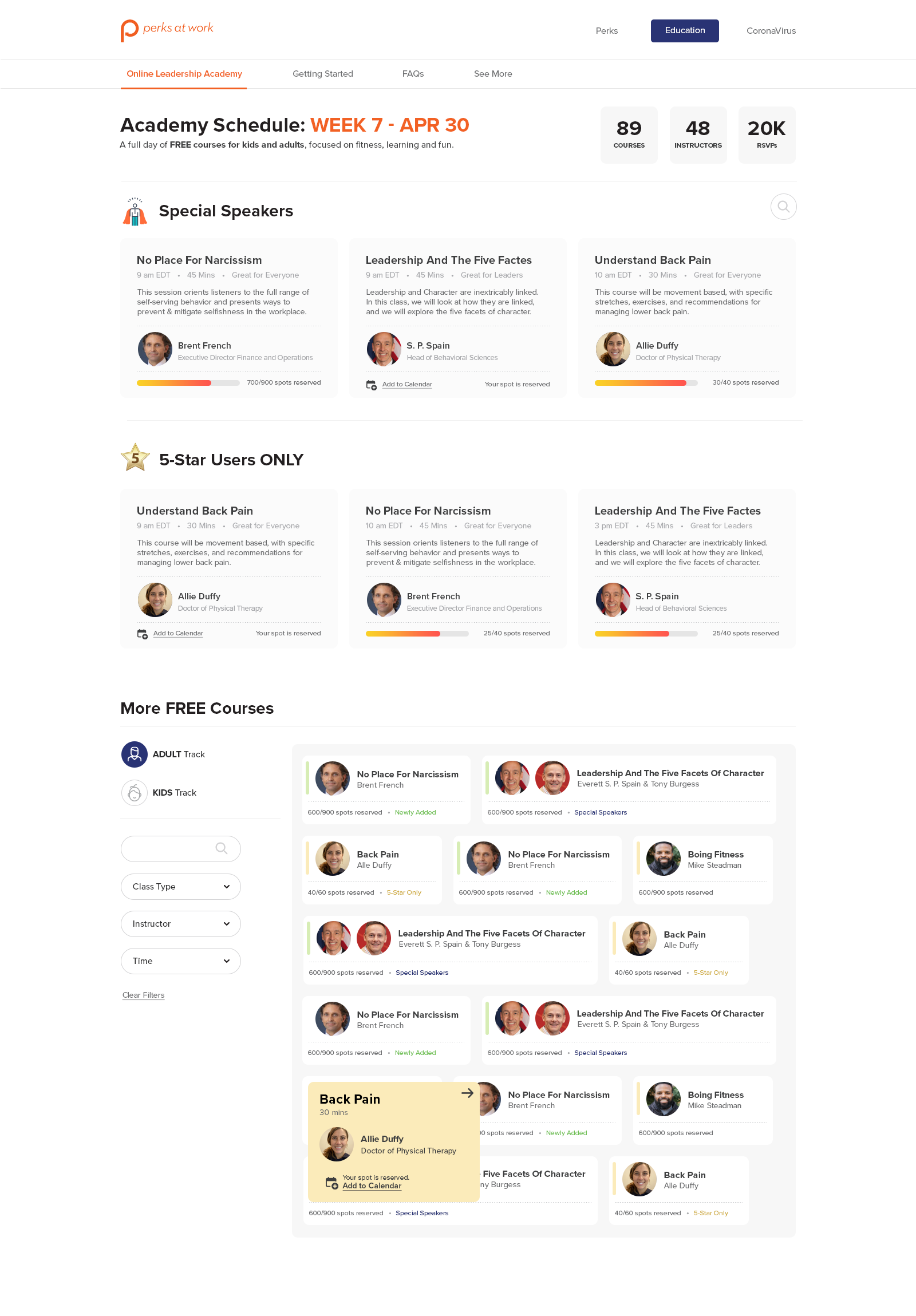
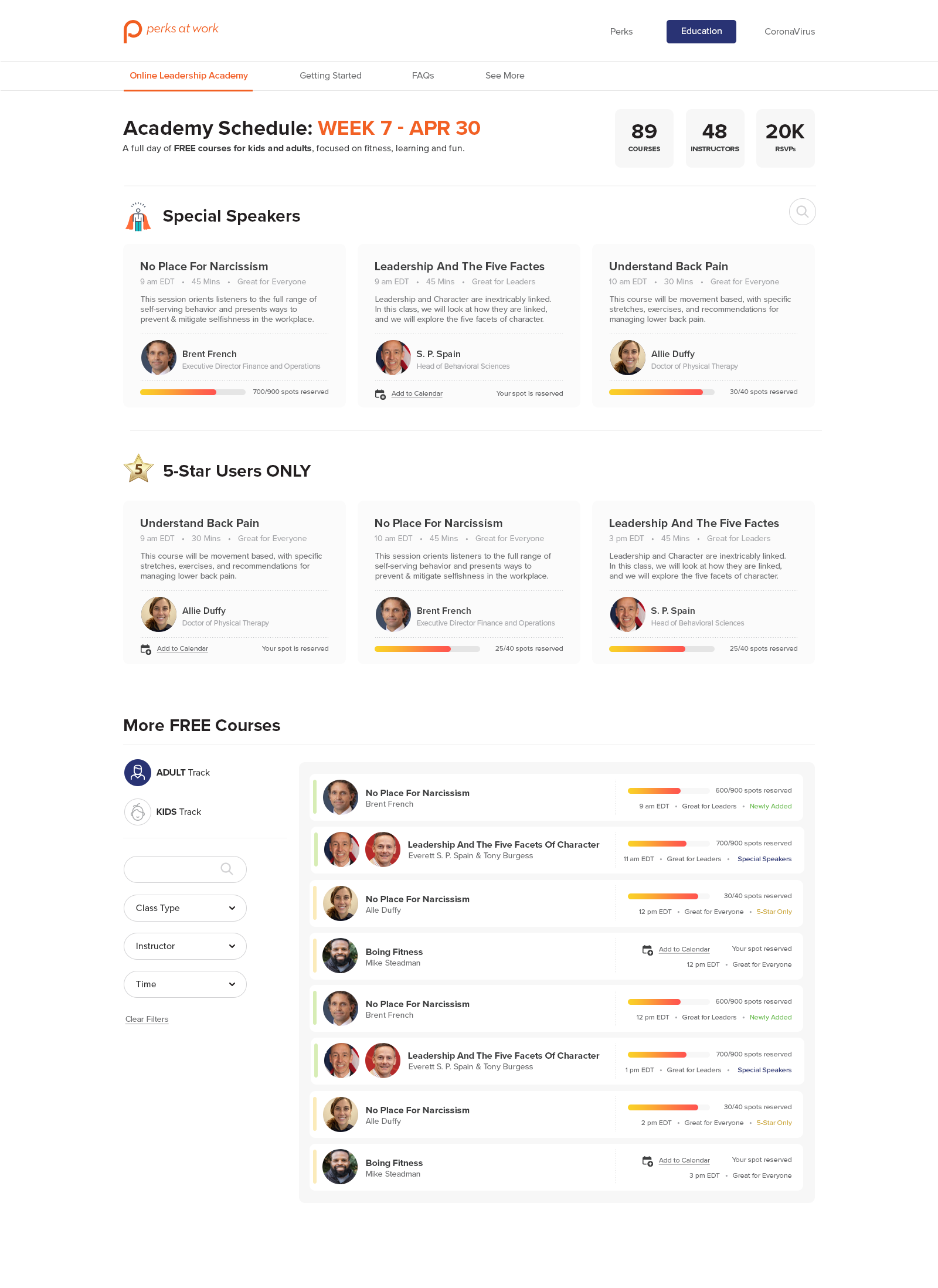
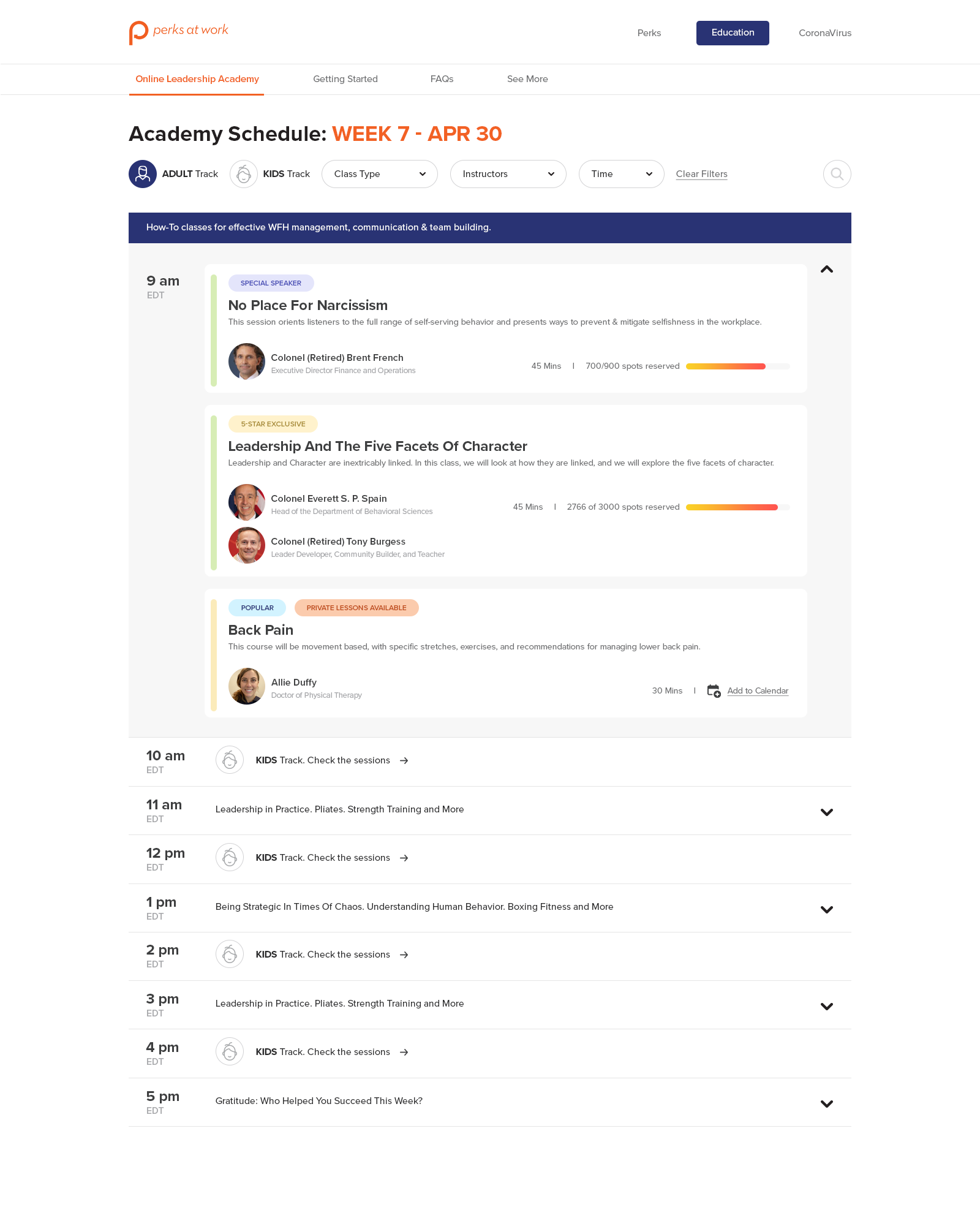
Schedule Page
Variations of the landing page where you can see the schedule of all upcoming classes for the week and RSVP for classes that interest you and your family. We experimented with few layouts and based on user interactions and analytics, iterated on the interface aggressively.
Video Hub
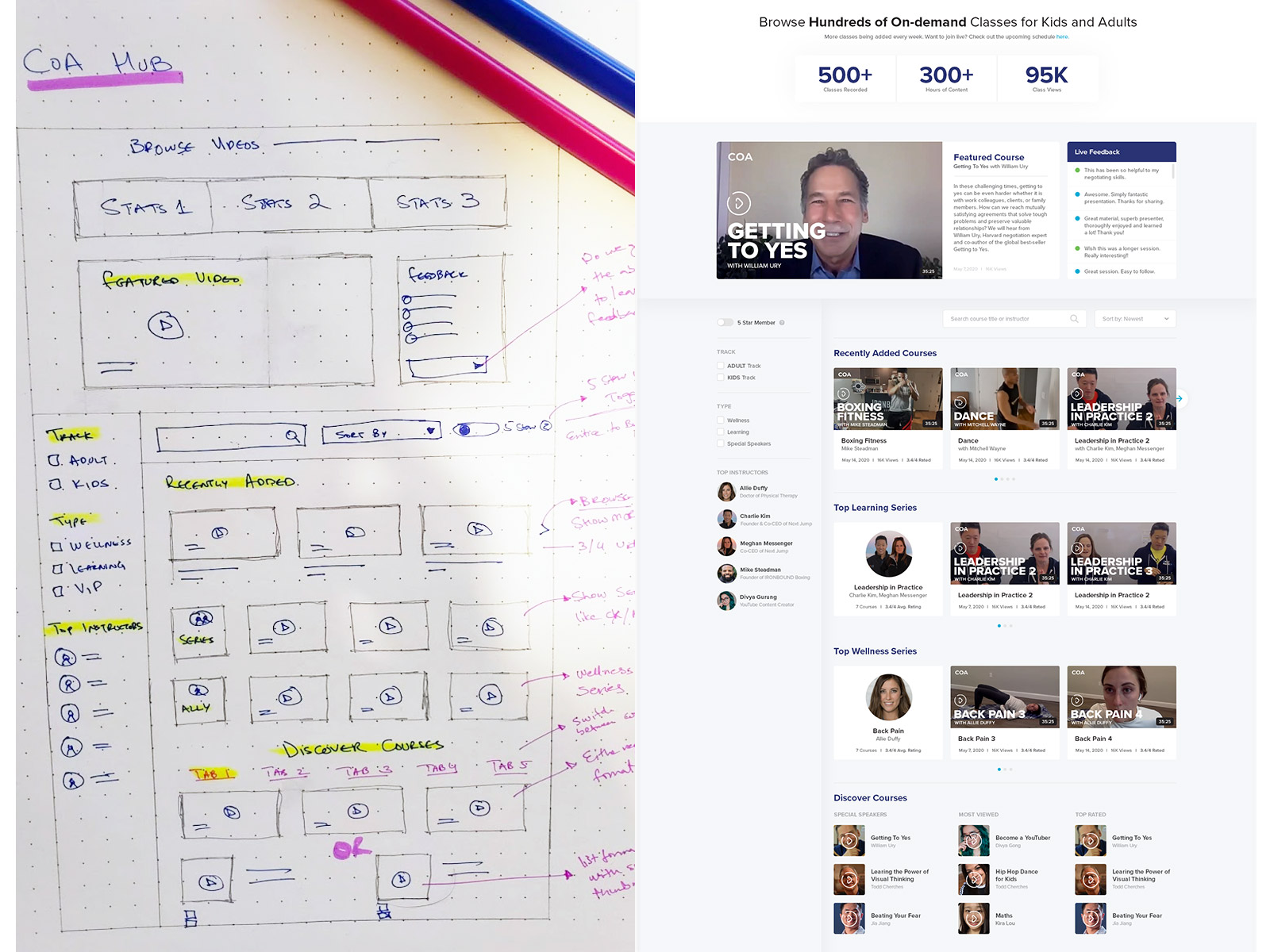
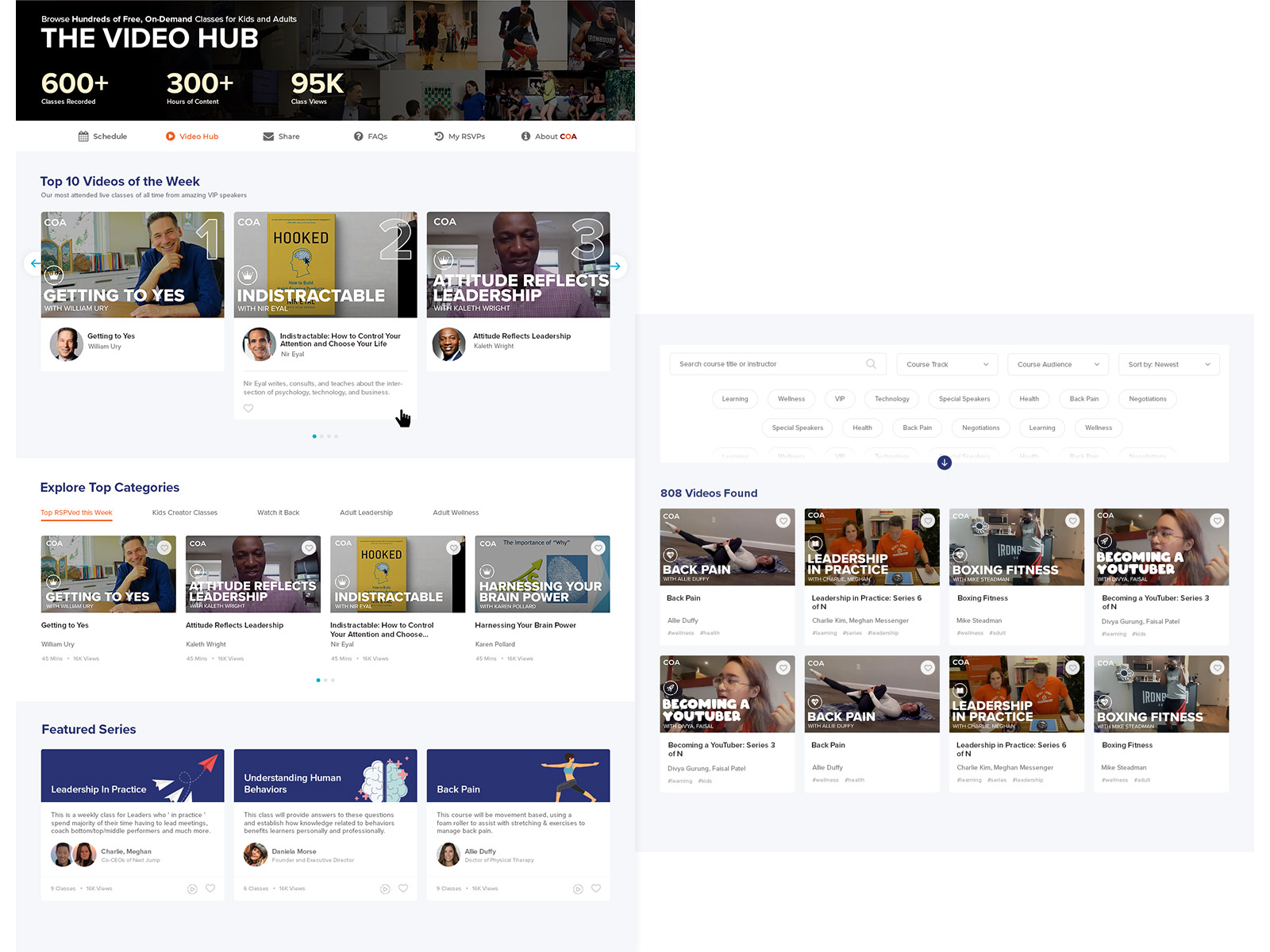
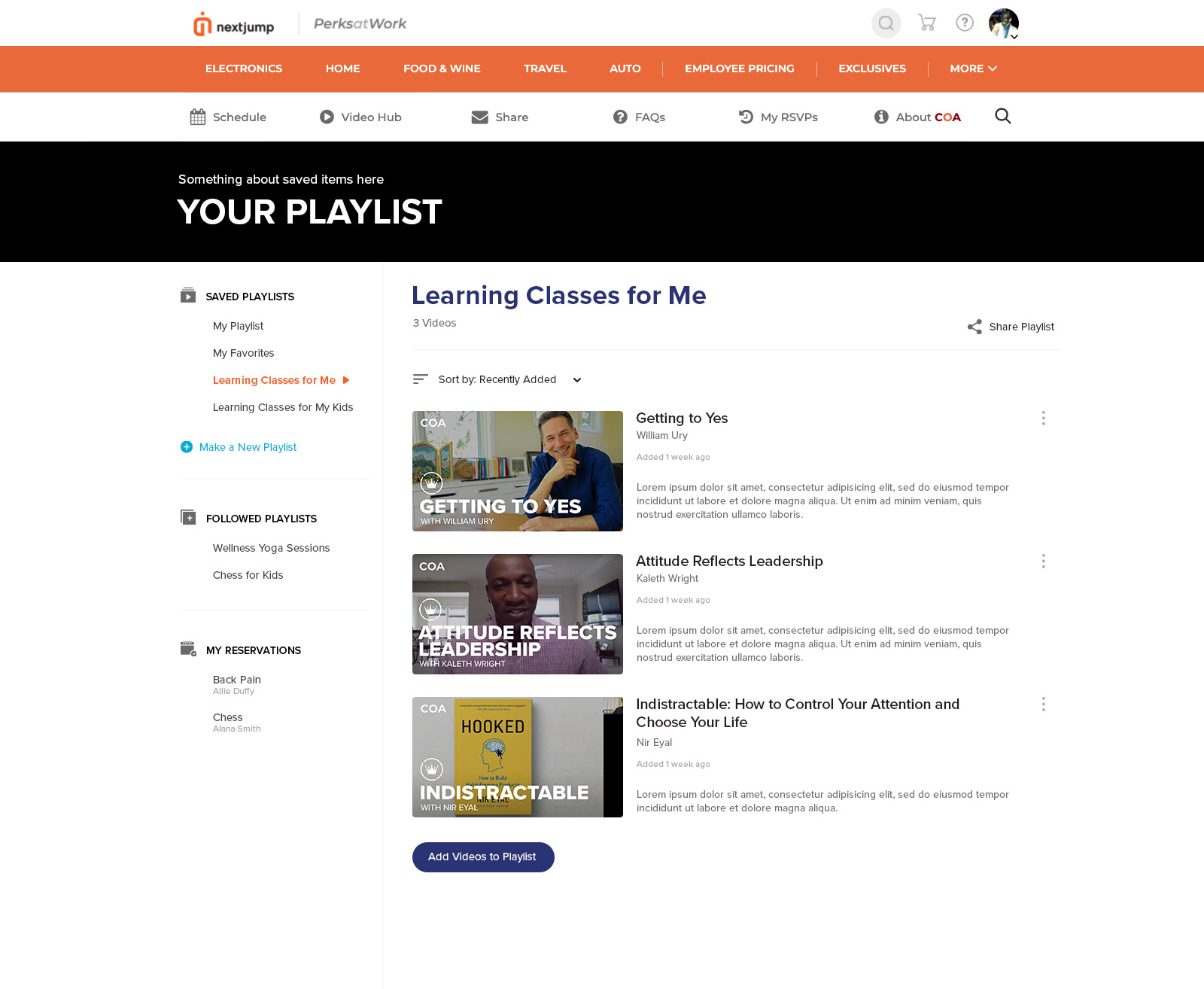
A video collection page for featured courses, series, top trending classes, and search for all available videos in our program. If you have missed a class, or just want to revisit – this page makes it extremely easy to navigate through 100s of videos and have the ability to create your own Playlists.
Course Pages
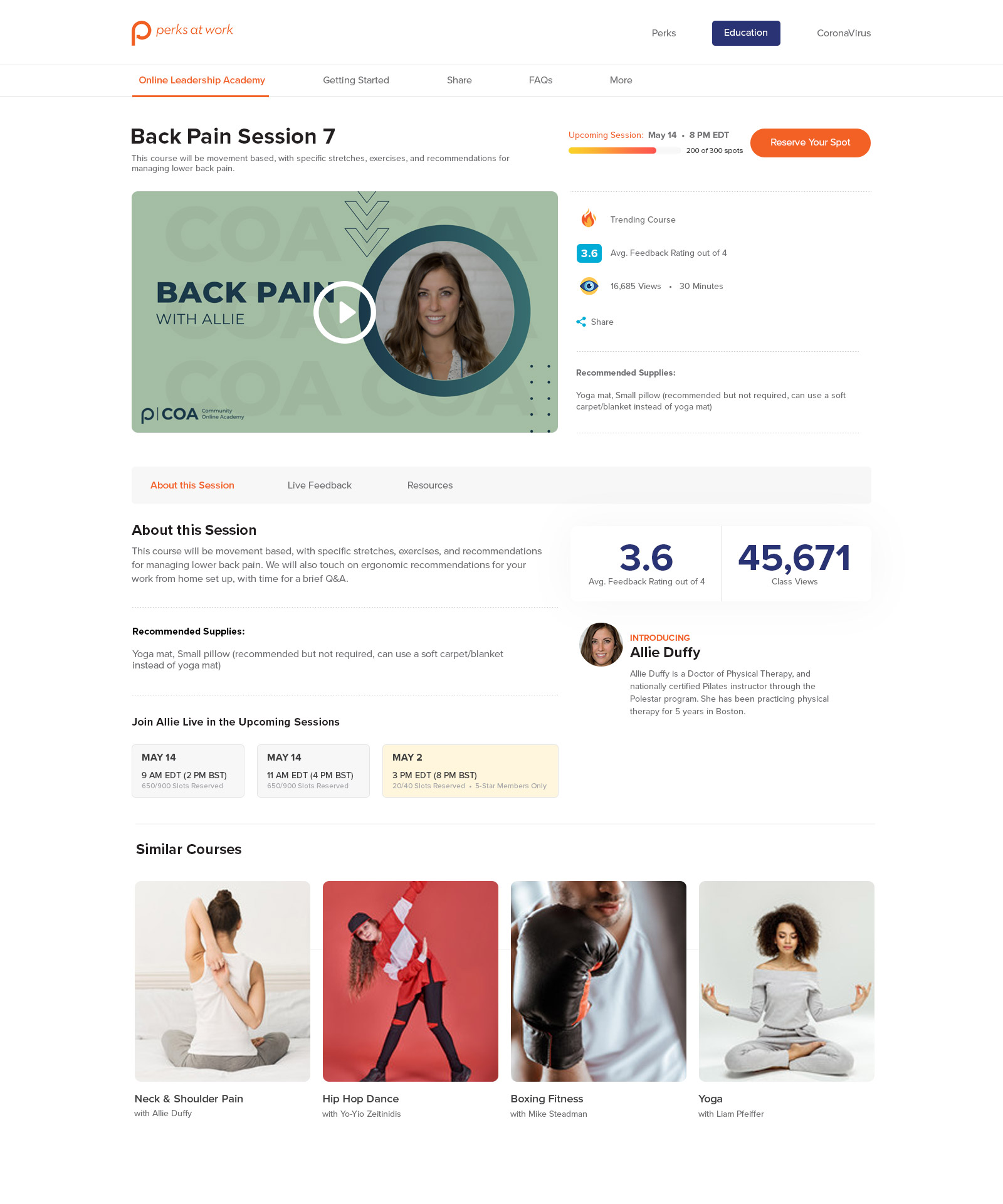
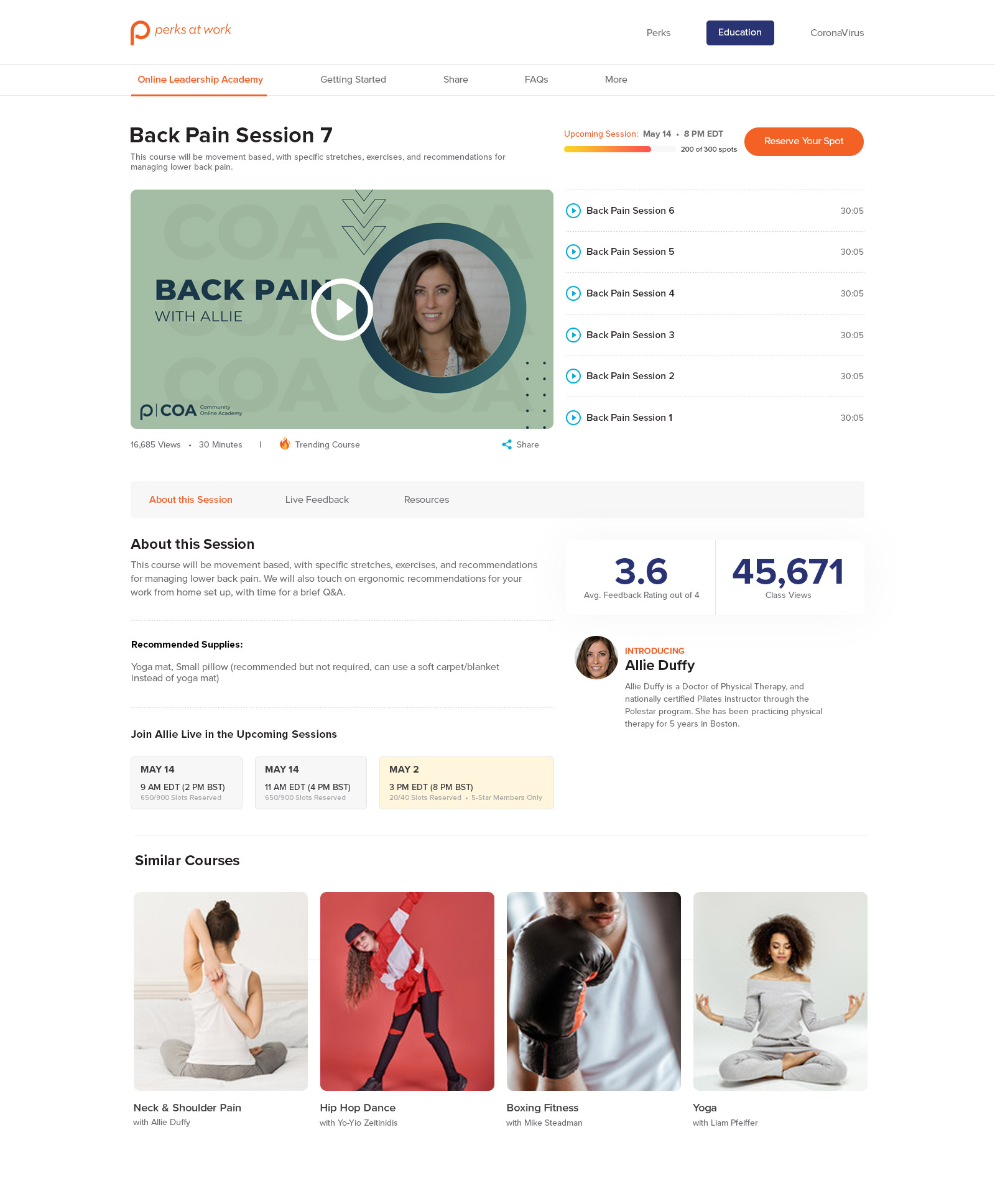
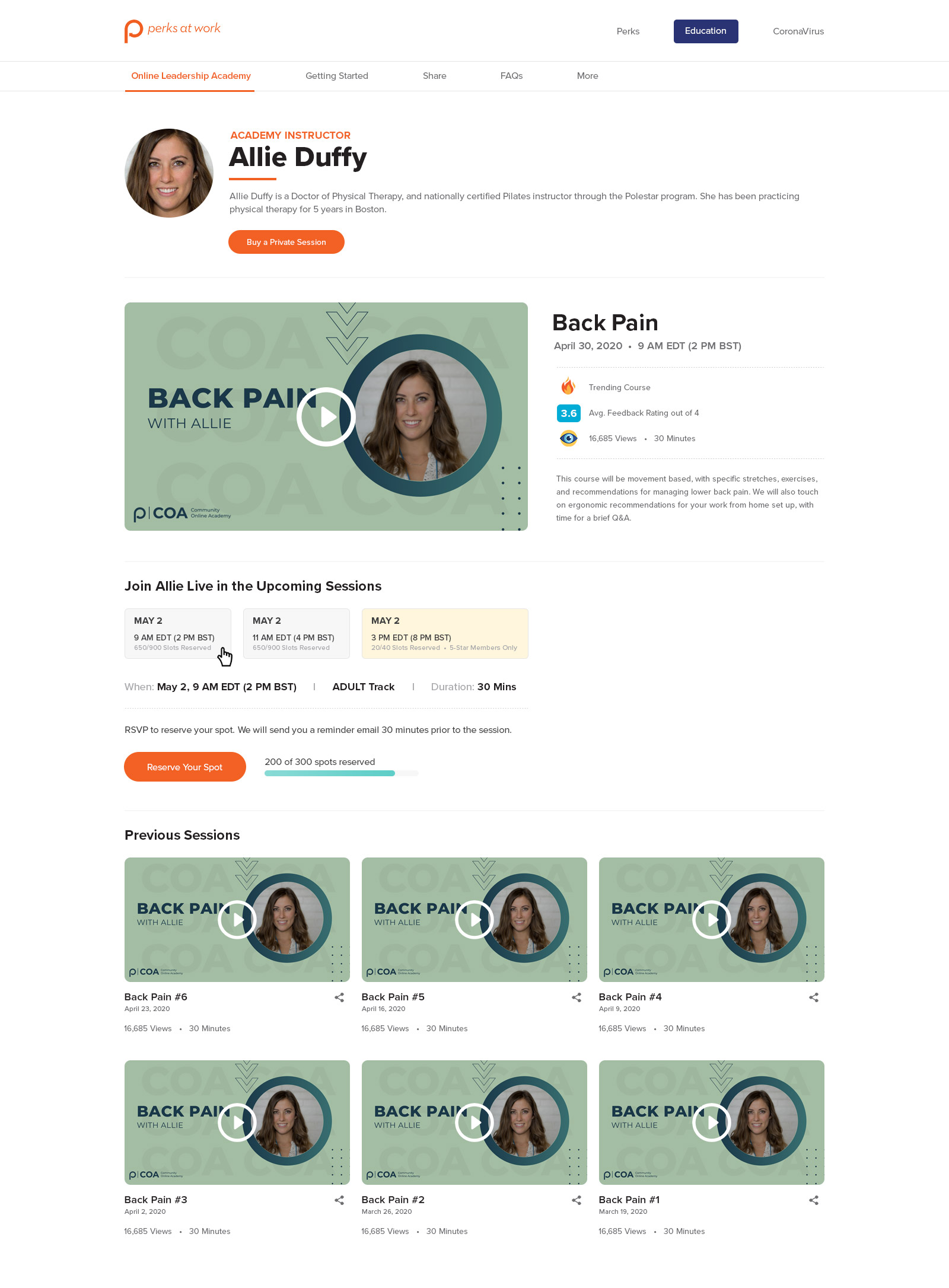
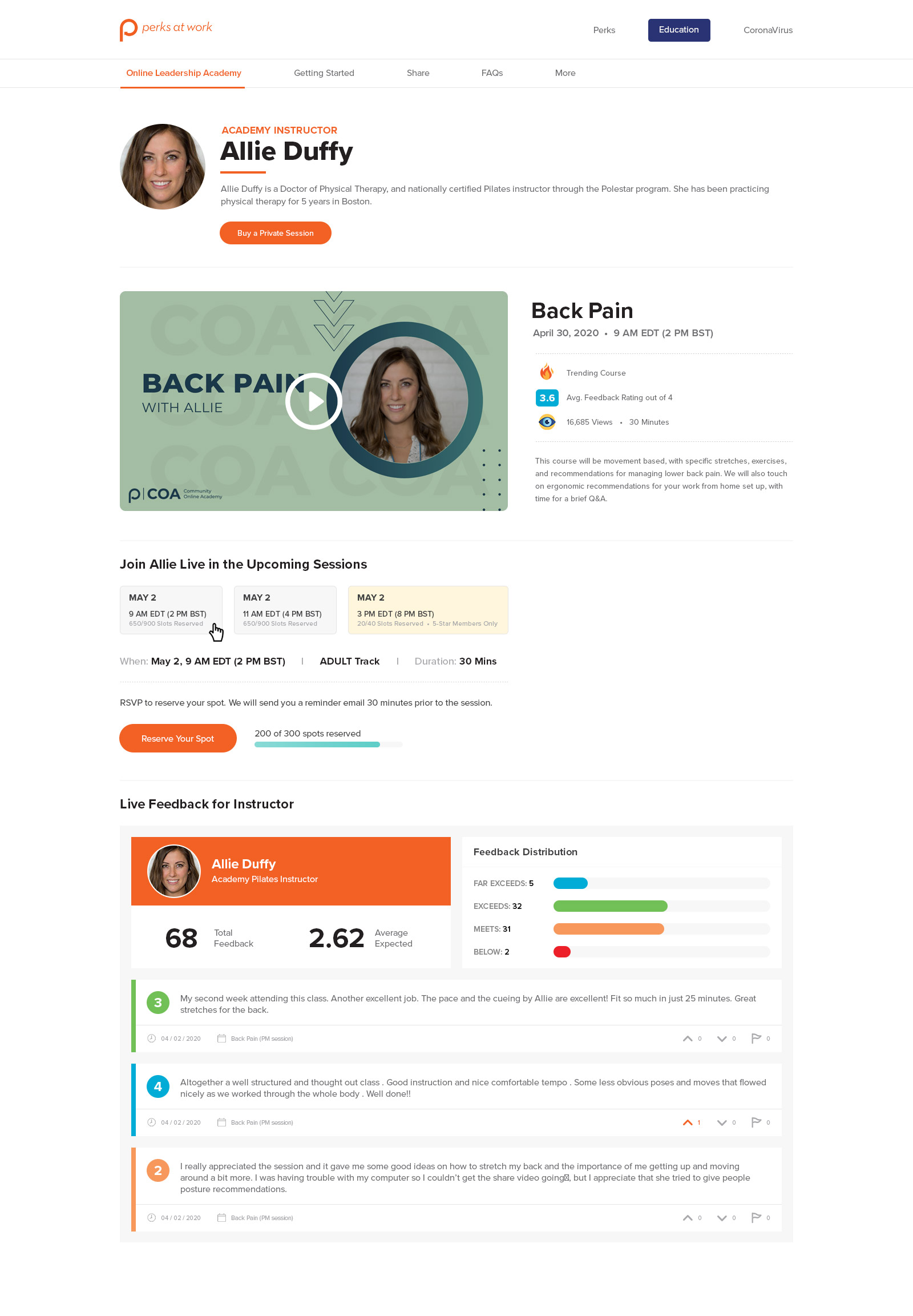
Variations of the course page, where you can get details about the course, instructor, schedule, previous sessions, feedback, upcoming sessions, and videos (current and previous). This page also acts like an RSVP page to save your spot for the session.
Misc Pages
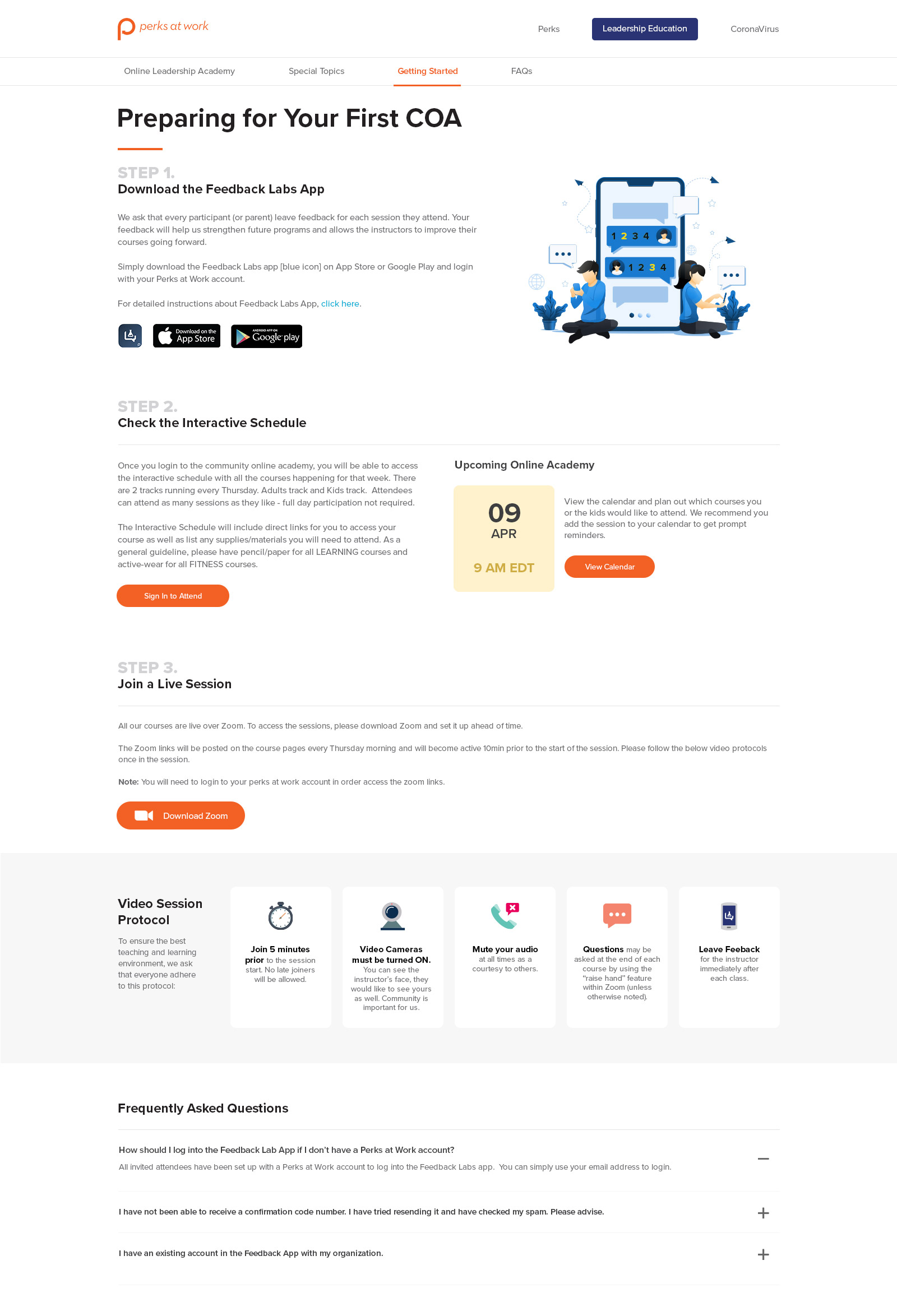
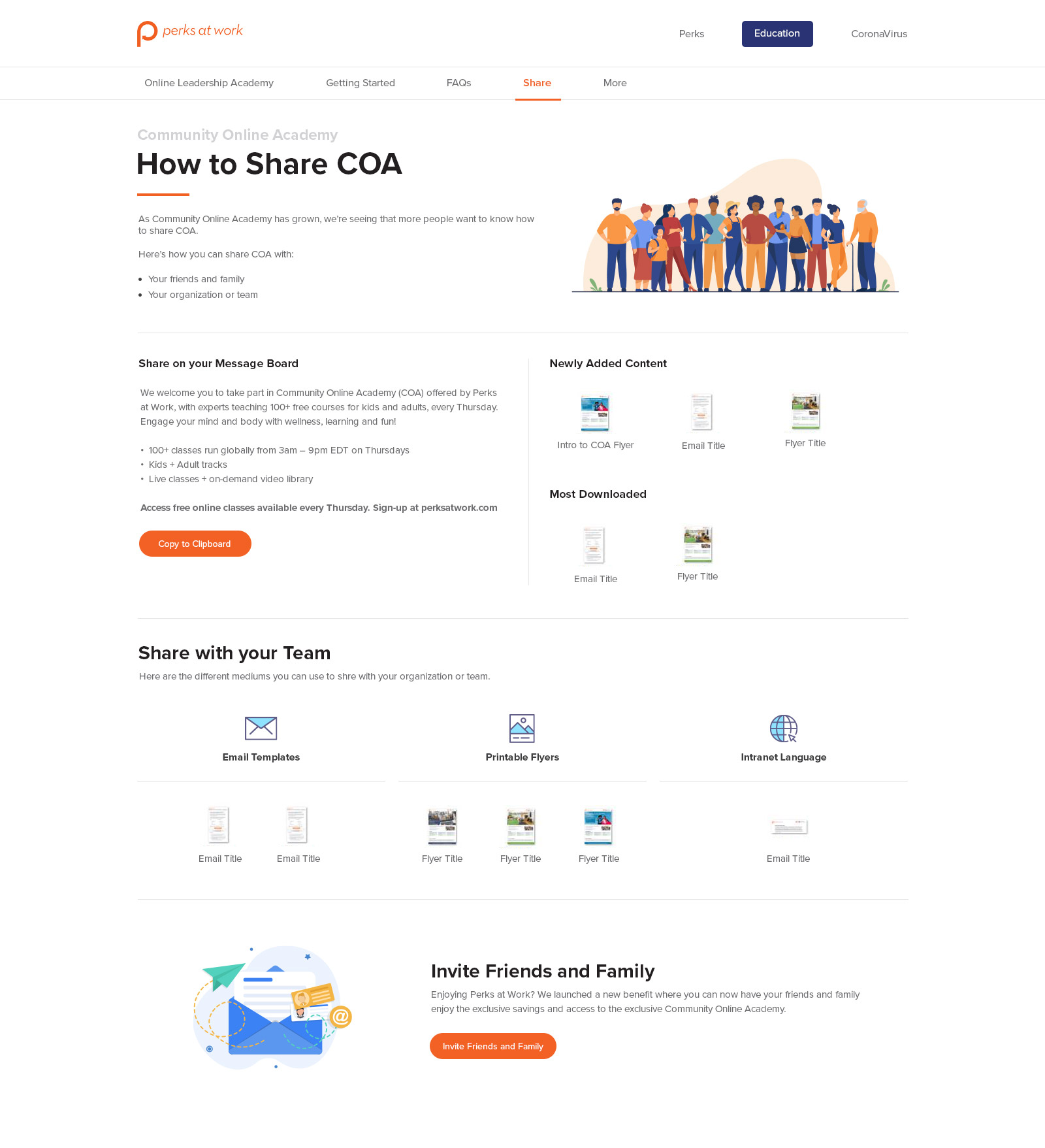
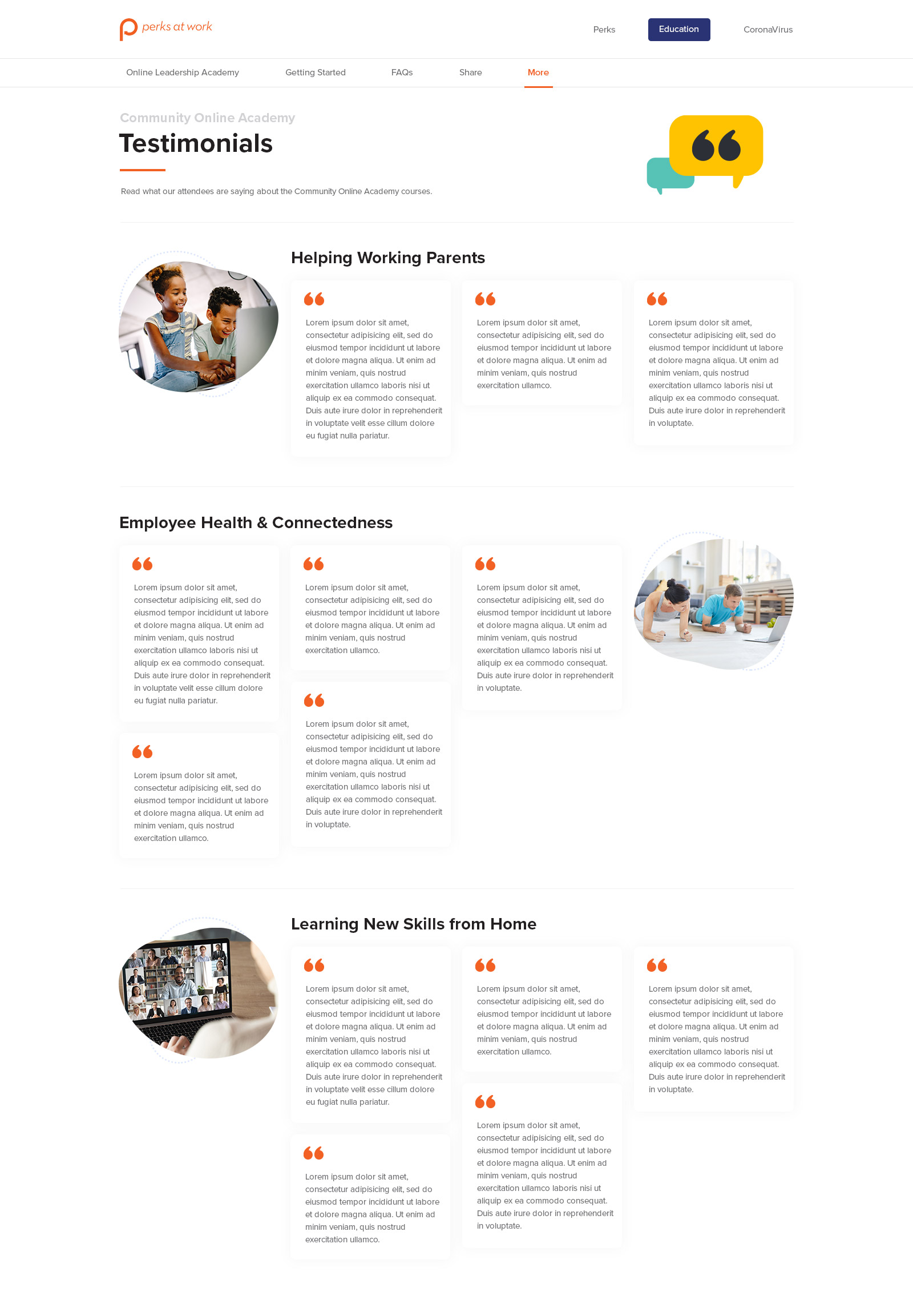
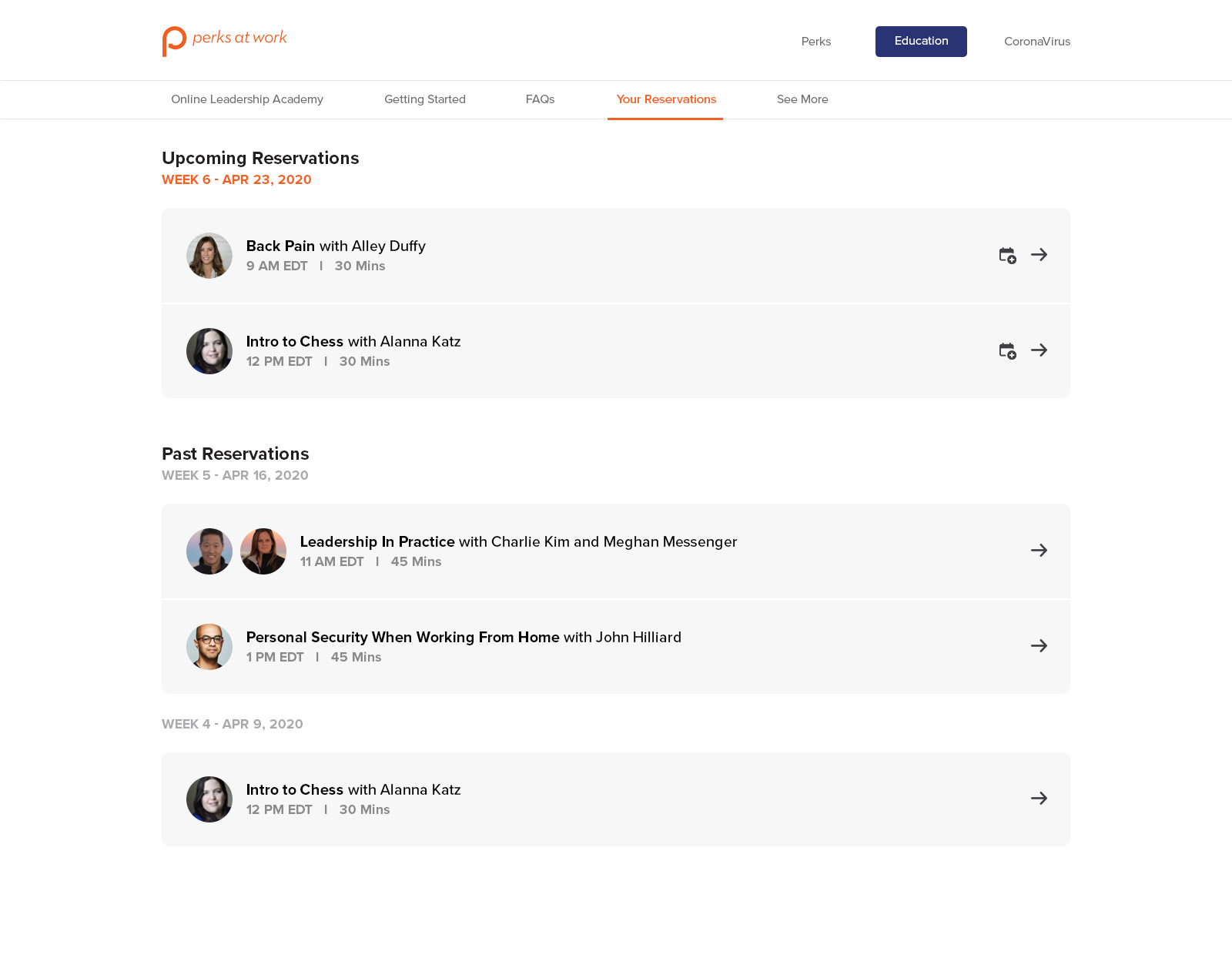
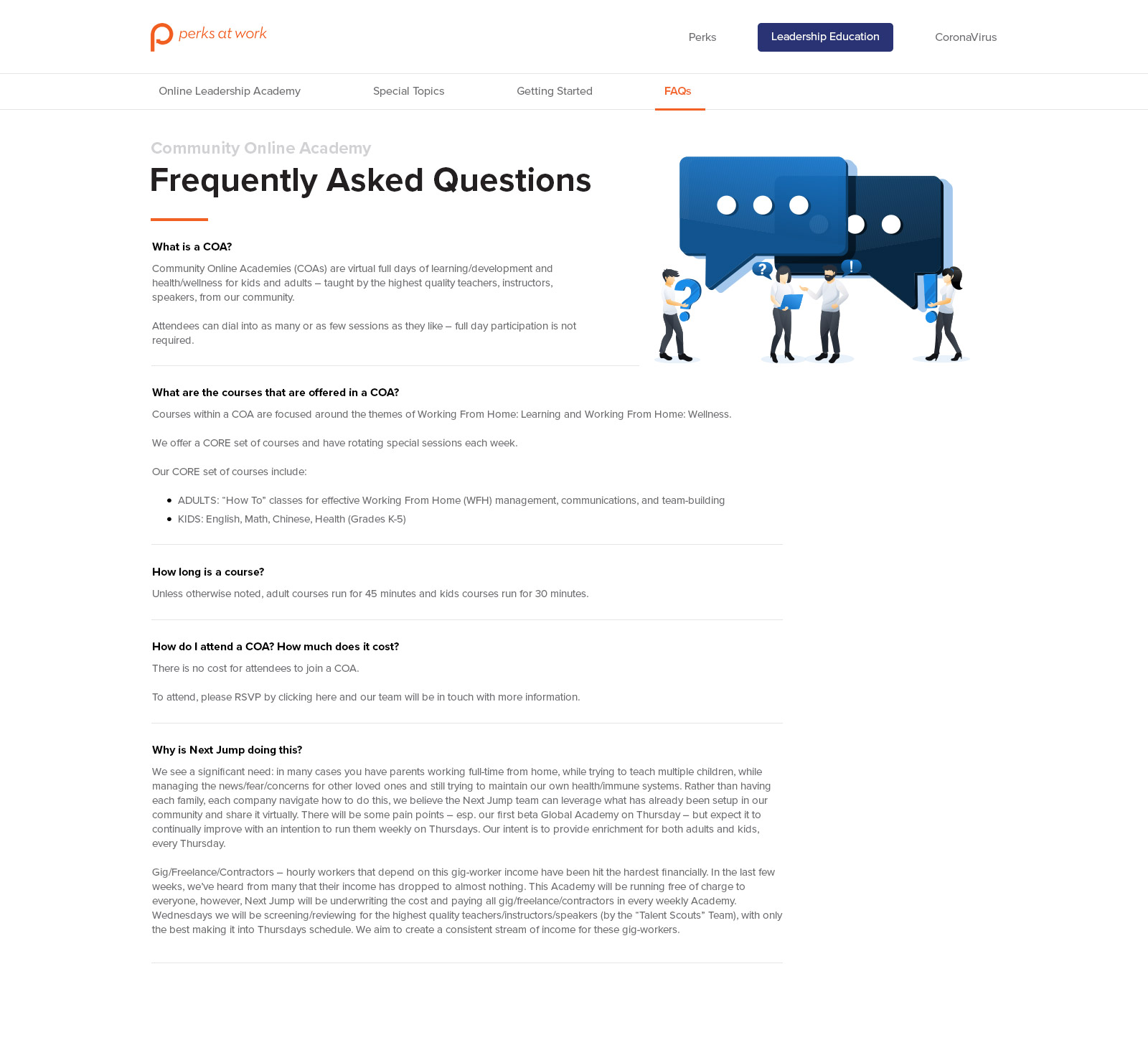
Miscellaneous pages that cover information on how to Get Started with COA, Sharing COA with your family and friends, Testimonials, Your Playlist, Your Reservations, and FAQs.
Email Campaign
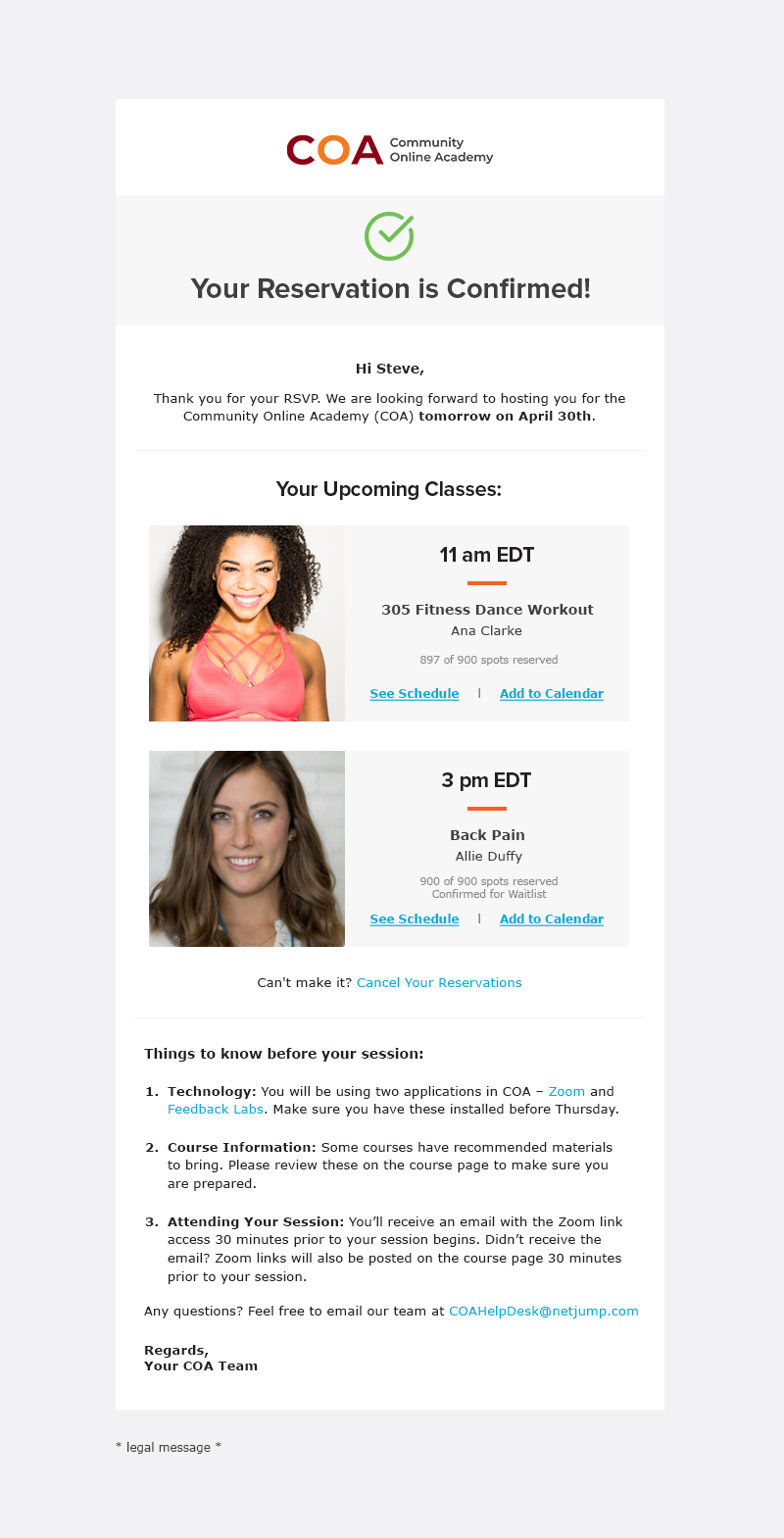
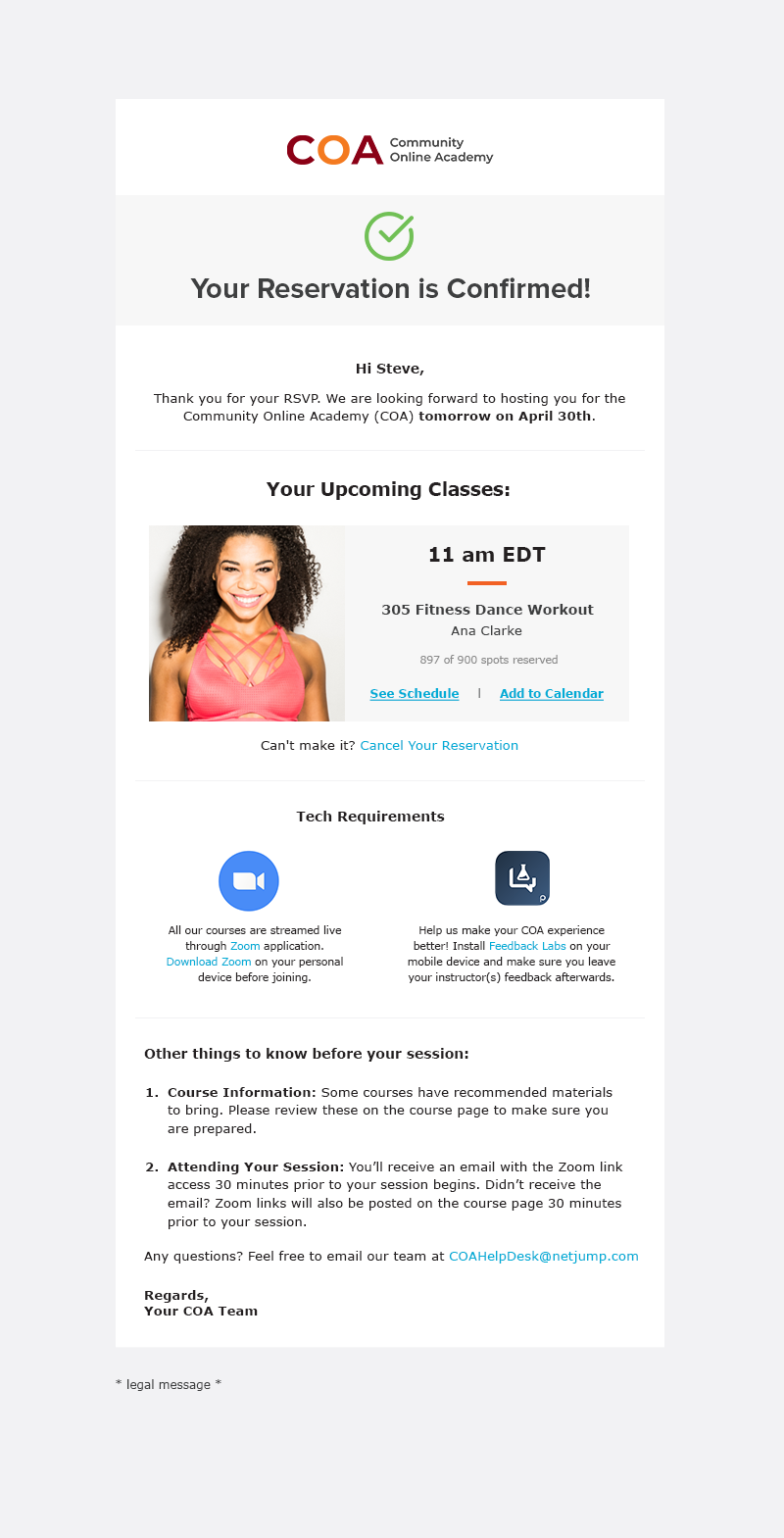
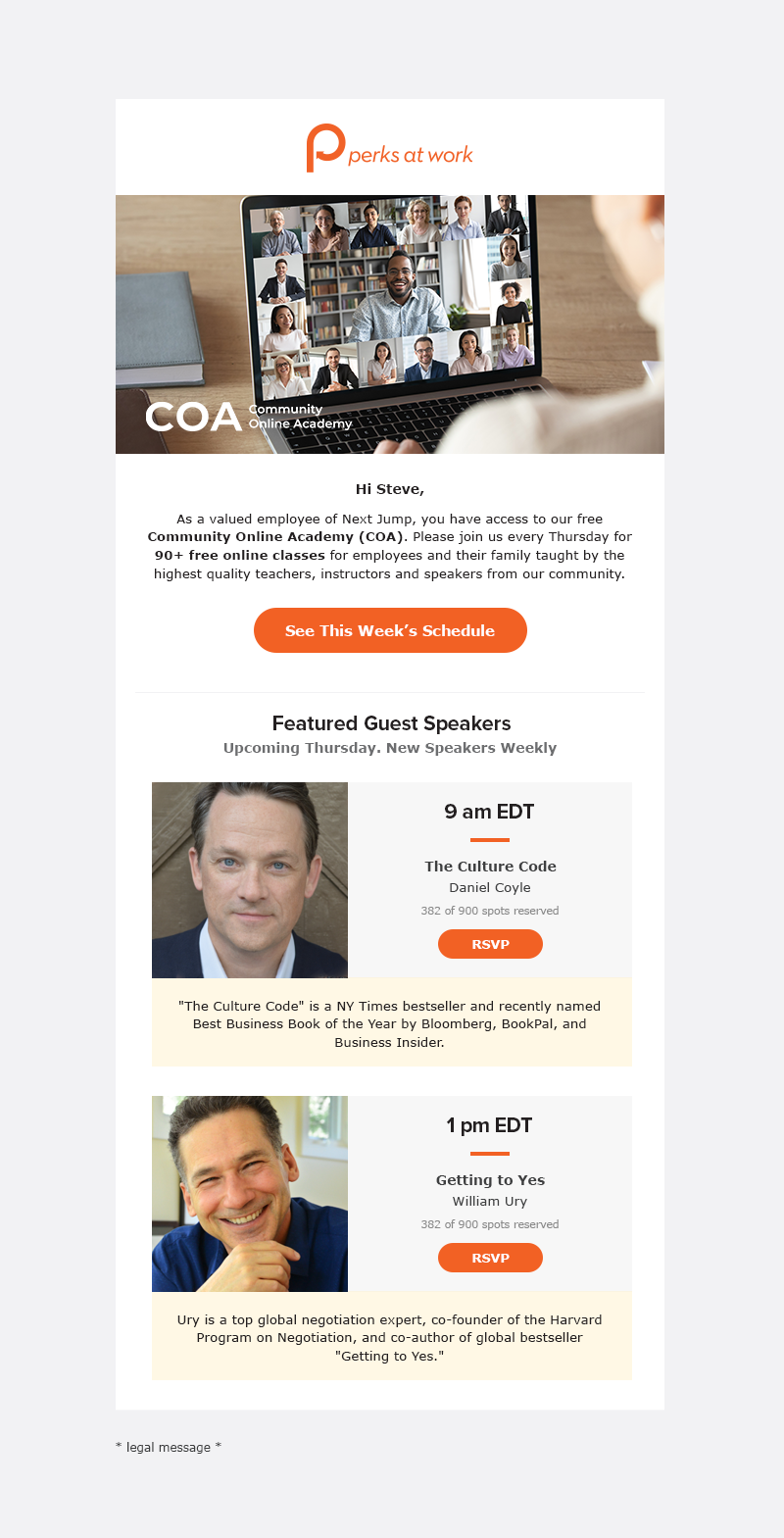
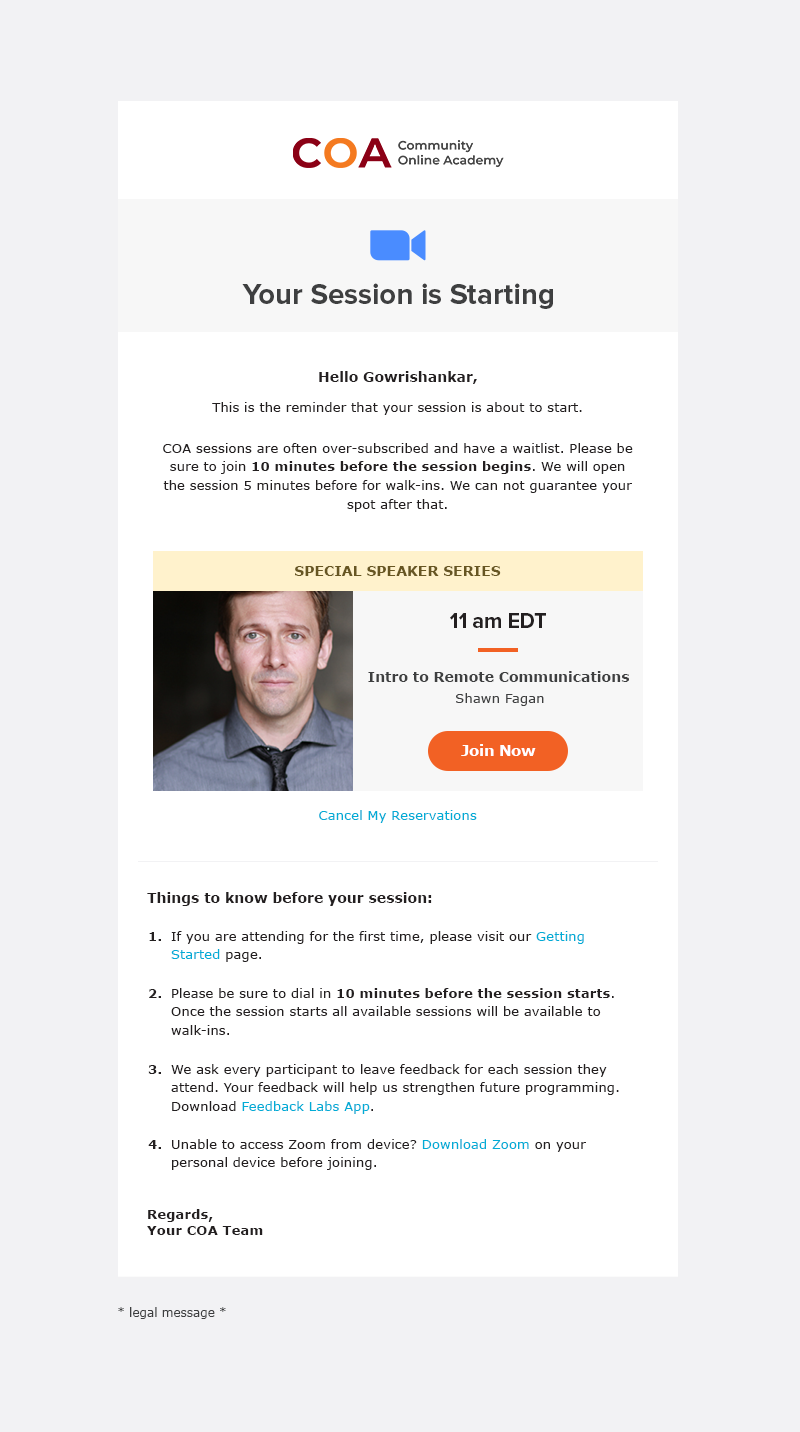
Lead the initiative to launch a whole new set of emails campaign – introducing the program and updating users on upcoming classes, RSVPs, class times with instructors, and other info to attend.
04. The Impact
This initiative has helped 1000s of users with health, learning new skills, educational material or just to disengage during these trying times. With regular iterations to the program to make it more intuitive for the users, we managed to attract top speakers, instructors and teachers to the platform. With keeping the program free for our users, we are truly giving back to our community to better their lives.